
Description
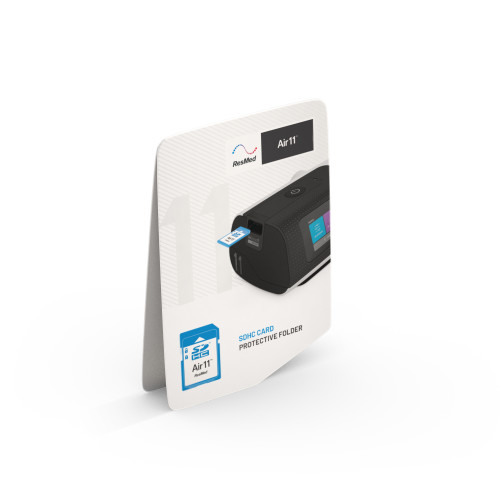
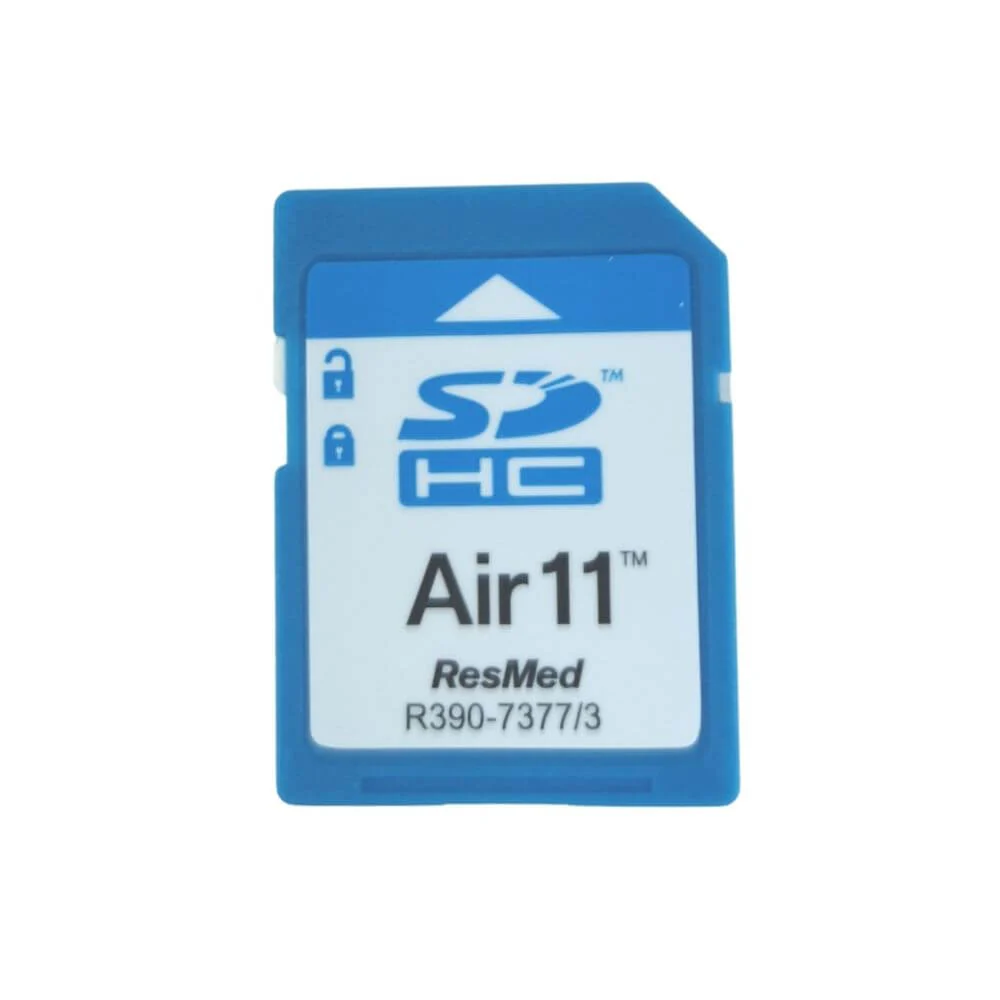
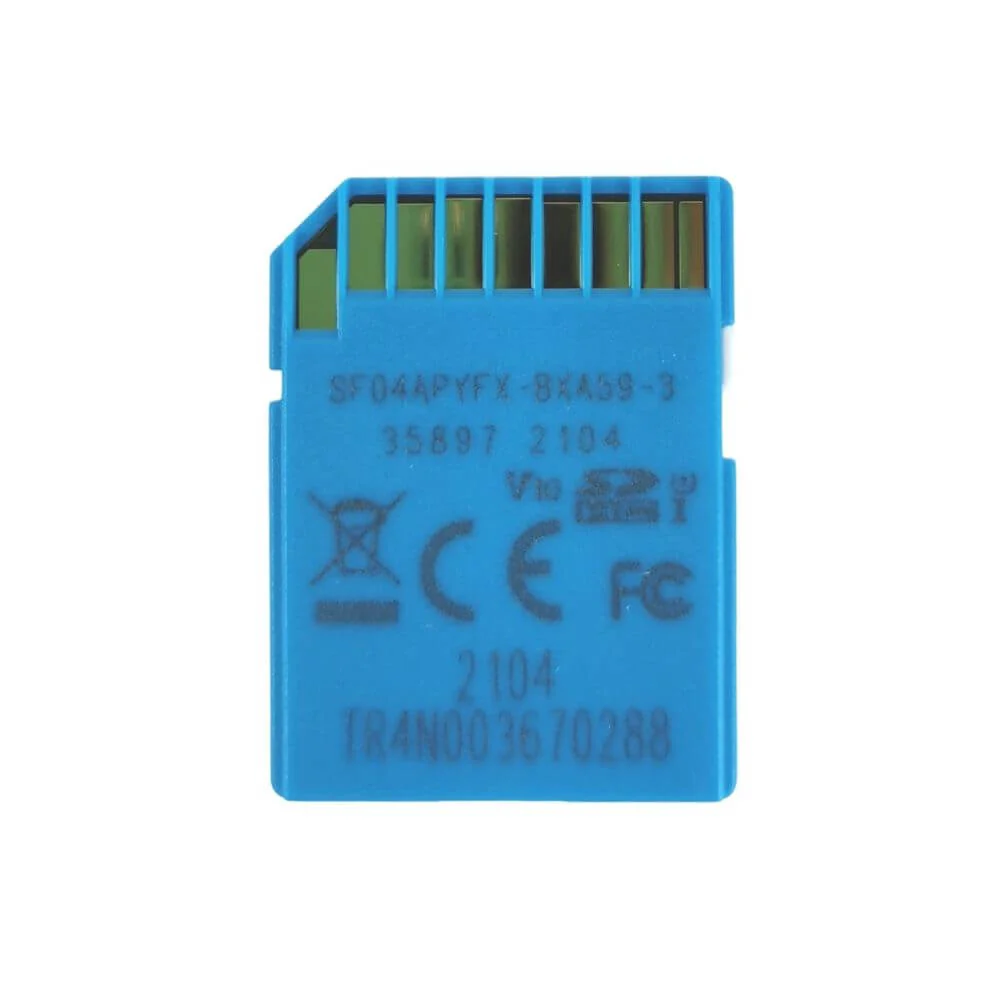
Quick answer: This is the genuine ResMed SD data card with protective folder (part 39228) — it stores your detailed sleep-therapy data so it can be transferred to your care provider. Despite being listed for the Air11, it’s actually compatible across the AirSense 10, AirSense 11, AirCurve 10, and AirCurve 11 CPAP and BiLevel machines. The 4GB card captures compliance, session summaries, and high-resolution flow data; the included folder protects it when you mail it or bring it to appointments. Note: if your machine already transmits data over built-in cellular, the SD card is optional. Sold as a 1-pack (card + folder).
What’s included
- 1 × ResMed SD data card (4GB)
- 1 × protective folder (for safe storage/mailing)
Device not included.
About this part
ResMed’s Air-series machines record your therapy data, and the SD card is the physical way to store and share the detailed version of that data with your clinician. You slot it into the device’s SD port; a blue LED lights while data is being written. When your provider needs to review therapy, you remove the card, put it in the protective folder, and mail it or bring it in — the folder keeps it safe from scratches, dust, and spills.
The card captures compliance data (usage hours), session summaries, and high-resolution flow data — the same detail set clinicians use to evaluate therapy and fine-tune pressure.
Broad compatibility: this card works across four device families — AirSense 10, AirSense 11, AirCurve 10, and AirCurve 11 (CPAP, APAP, and BiLevel, including S, ST, VAuto, ASV, and ST-A). It is not for older ResMed S9 devices (contact us for those) or non-ResMed machines.
Do you need it? If your AirSense 11 / AirCurve 11 is actively sending data to the cloud via built-in cellular, the SD card is optional — useful for detailed data storage, for clinicians who request the physical card, or where cellular coverage is unavailable. On machines without cellular (or where detailed data is needed), the card is how data gets to your provider.
Important: don’t use the card for any other purpose (storing other files) — it can corrupt the therapy data. Only remove it when your device isn’t writing (LED not flashing), or when your provider instructs.
Key features
- Genuine ResMed SD card + protective folder (39228) — 1-pack.
- Wide compatibility — AirSense 10 / 11 and AirCurve 10 / 11 (CPAP, APAP, BiLevel).
- Stores detailed therapy data — compliance, summaries, high-resolution flow.
- Blue LED write indicator — shows when data is recording.
- Protective folder included — safe storage and mailing to your provider.
- Optional with cellular — needed for detailed data or non-cellular setups.
Specifications
| Specification | Detail |
|---|---|
| Product type | SD therapy-data card + protective folder |
| Capacity | 4GB |
| Compatible devices | ResMed AirSense 10 / 11, AirCurve 10 / 11 (CPAP, APAP, BiLevel — incl. S, ST, VAuto, ASV, ST-A) |
| Data captured | Compliance, session summaries, high-resolution flow data |
| Indicator | Blue LED (writing) |
| Included | SD card + protective folder |
| Not included | Device |
| Not for | ResMed S9 (contact us) · non-ResMed machines |
| With cellular | Optional (needed for detailed data / non-cellular setups) |
| HCPCS | E1399 |
| Prescription | Not required |
| ResMed reference / SKU | 39228 |
| Brand | ResMed |
Frequently asked questions
What’s included?
One ResMed SD card (4GB) and a protective folder.
Which machines does it work with?
The AirSense 10, AirSense 11, AirCurve 10, and AirCurve 11 series (CPAP, APAP, and BiLevel). Not for older S9 devices or non-ResMed machines.
Do I need it if my machine has cellular?
Not necessarily — if your device is transmitting data over built-in cellular, the card is optional. It’s used for detailed data storage, when a clinician requests the physical card, or where there’s no cellular coverage.
What data does it store?
Compliance (usage), session summaries, and high-resolution flow data.
Can I store other files on it?
No — use it only for therapy data. Other files can corrupt the stored data.
When can I remove it safely?
When the device isn’t writing (LED not flashing), or when your provider instructs.
Do I need a prescription?
No — the SD card does not require a prescription.
Can I get it delivered in Brooklyn or shipped nationwide?
Yes — Stark Medical Supplies offers local pickup and delivery in Brooklyn and across NYC, plus USPS shipping throughout the continental U.S.
Use with a compatible ResMed Air-series device according to the user guide. Only remove the SD card when the device is not writing data, or as instructed by your care provider.
Reviews
There are no reviews yet.